New In Karea: A Fresh Look, Ending Every Connect Session At Once, And Settings That Save Themselves
·4 min read
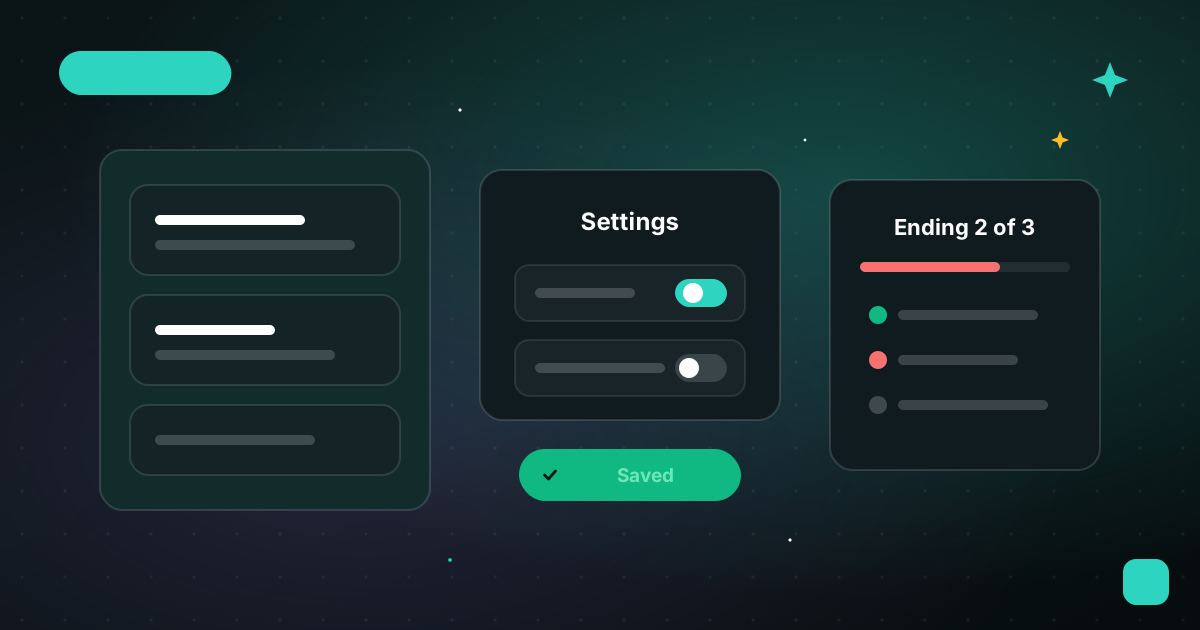
This release gives Karea a fresh, more polished look on every page, lets you end all your Karea Connect sessions in one go, and makes Settings save the moment you change something. Here is what changed.
A Fresh Look Everywhere
- Cards with depth. Sections across Karea now sit on raised cards with a soft glow in one corner: the task page, the task side panel, Today, the Planner, your project boards, Recap, Reporting, Meetings, Resources, Settings and more. Open questions got a full redesign too, with a clear status, the author and a proper Answer button.
- A quieter background. In dark mode a few faint stars sit behind every page, and in light mode a soft green glow lights the top right corner. If you prefer a plain background, turn it off in Settings > Appearance, under Background stars and glow.
- Every page looks like one app. Open Questions, Teams, Public Links, Unclutter, Recurring Tasks and Projects now share the same header as Today and the Planner, and every main page shows its icon next to its title.
- Recap in two columns. When your screen is wide enough, Recap shows its lists side by side, and goes back to one column on smaller screens.
Settings Save Themselves
- No more Save button. Every change in Settings is saved the moment you make it, and a short message tells you what changed, for example "Sticky notes disabled" or "Theme set to Dark".
Tasks And Notes
- Resize the task panel. Drag the left edge of the task side panel to make it wider or narrower. Karea remembers the width on every device, and a double-click on the edge brings back the default. The panel also opens a little wider than before.
- Longer notes. A note can now be up to 30,000 characters, six times the previous limit.
- Long notes stay in place. Editing a long note in the Blocks editor no longer spills over the rest of the page: the editor scrolls instead.
- Date picker shortcuts. In every date and deadline picker, Enter saves like Done and Escape closes like Cancel, and Enter never triggers the button behind the picker.
- Recurring tasks are not duplicates. The duplicate warning no longer flags the other occurrences of the same recurring task. A separate task with the same title is still flagged.
- Tidier board alerts. When you open a board with several tasks in the same situation, for example less than 4 hours left, they appear as one notification with the tasks listed underneath. Each one still opens its task.
Karea AI
- New tasks start as Open. Tasks created with "Describe it in your own words" are now Open unless you ask for another status, such as "put this in the backlog".
- Questions land where you are. Adding a question from a task page links it to that task, and asking to add it to "today's daily" puts it on today's meeting in one step.
- Today's meetings first. When you link a task or a question to a meeting, today's meetings are listed first, then the closest days.
Karea Connect
- End every session at once. In the Stop dialog, End every Karea session now has a button that ends them from Karea itself. It first lists the sessions it will end, with their task, project, machine, AI tool, status and last activity, and only goes ahead once you confirm. While it works, it tells you which session it is on ("Ending 2 of 5"). The terminal commands are still there, under Machine not answering?
- Attachments as cards. Files you drop or paste into a session's chat now appear as cards above the message box, so you can keep typing while they upload. They are sent with your message.
- Collapse long tool output. An expanded tool card in the chat has a Collapse button at the bottom, so you do not have to scroll back up to close it.
- Room to breathe. Sessions in the chat view now use the size of your screen, so long tool output and menus no longer wrap or get cut off. The floating session window's title bar also adapts to narrow widths instead of crowding.
- Finished means finished. A session that finished while you were away stays marked Finished until you open it, even after you reload the page.
- Escape closes New session. Pressing Escape now closes the New session window.
Import, Export And Enterprise
- Import / Export moved to Settings. It now has its own section in Settings, and it got more faithful: imported tasks get short IDs, a Karea JSON export imports back with its checklists, tags, documents and custom statuses, and CSV files handle descriptions over several lines.
- Talk to us about Enterprise. The Contact us button on the pricing page now opens a short form, so you can reach us without leaving the page.
As always, tell us what you think from the feedback button in Karea.
Related Articles
New In Karea: A Welcome Tour, Meeting Attendance And A Sharper Karea Connect
New accounts get a short visual tour, meetings get an attendance status, and Karea Connect keeps finished sessions marked, shows background agents and manages worktrees from New session.
·5 min read
New In Karea: Light Mode, Update Your AI Tools From Karea, And A Smarter Karea Connect
Karea now comes in light mode, you can update Claude Code, Codex and OpenCode from Karea with live progress, and Karea Connect gets session search, a remembered Shared View and more.
·6 min read