The Two-Minute Call That Cost Me a Client: Why Every Task Needs a Home
The Call That Changed It All
It was a Tuesday at 2:47 PM. A client I'd worked with for three years called to ask for a "small tweak" to the landing page, nothing urgent, just a placeholder copy swap. I said, "Sure, I'll get to it in a few days." Then I hung up and did what I always did: I kept coding, trusting my memory to hold onto that request.
It didn't.
Two weeks later, that client emailed, furious. Their VP had seen the old copy in a demo. The tweak was not small, it was a silent launch blocker. I had no record of the call, no task in my system, not even a sticky note. The relationship never fully recovered. That was the day I stopped trusting my brain with anything and started designing a system that captures every stray thought before it slips away.
This isn't a story about multitasking or context-switching. It's about something more basic: the act of forgetting tasks that arrive outside your main workflow. A quick Slack message, a hallway conversation, a throwaway sentence in a video call, these become tasks so easily, yet we treat them as if our memory is a reliable database.
Task capture is the discipline of getting those items out of your head and into a trusted system, before you return to deep work. It sounds obvious. But most of us don't do it, and the cost is higher than you'd think.
Why Your Brain Is a Leaky Bucket for Tasks
Your working memory isn't built to hold an open loop while you're debugging, designing, or writing. Psychologists call this the Zeigarnik effect, the tendency to remember unfinished tasks more than completed ones. That's great for making you feel anxious, but terrible for remembering the specifics of what was asked.
The famous forgetting curve shows that people lose roughly 50% of new information within an hour, and up to 90% within a week, if they don't actively repeat or log it. That "small tweak" from your client isn't a special memory. It's just another data point that will vanish unless you capture it.
But there's a second problem: even when you do remember, your brain pays a tax. Open tasks create cognitive load. Every unlogged request rattles around in your head, subtly pulling your attention away from the code or strategy in front of you. A productivity meta-analysis from the American Psychological Association notes that shifting between tasks costs time and mental energy, although for me, the real cost was the silent weight of everything I hadn't written down.
So the fix isn't "try harder to remember." It's building a system that removes the need to remember in the first place.
The Parking Lot Method: A Home for Stray Thoughts
David Allen's Getting Things Done (GTD) framework has a name for this: the inbox. A trusted place where you dump every commitment, no matter how small, before you decide what to do with it. I call mine a parking lot, because that's exactly what it is, a temporary holding area for tasks that don't have a planned time yet.
Here's the core idea: you don't need to organize the task right away. You just need to capture it quickly enough that it doesn't escape. The moment you end a call or read a message, you create a task in your project manager. You don't label it, tag it, or schedule it. You just park it.
In Karea, this is embarrassingly fast. One keystroke opens a quick-capture dialog, you type three words, hit Enter, and done. You're back to your code before the mental switch has even started. That speed matters. Studies on task interruption recovery show that even a 30-second detour can cost minutes of refocusing, but a 3-second capture barely registers.
Why does a parking lot work? Because it does two things: it relieves your working memory, and it creates a single, searchable record of every request. No more "Wait, did anyone mention that in the last standup?" You have the answer right in your task list.
Turning Capture Into a Habit: Rules That Stick
A parking lot only works if you actually use it. Here's what finally made it stick for me:
- The 5-Minute Rule: If a task came up from any communication (call, email, Slack, video), I log it within 5 minutes of the conversation ending. Not later "when I get a chance", immediately. I even set a physical trigger: after every call, I press the quick-capture shortcut before I touch my keyboard.
- No Process, Just Capture: I don't filter, prioritize, or estimate at capture time. The parking lot can hold 200 items. It's not a to-do list yet; it's a holding queue. All I do is write the task name and the source (e.g., "Client X, swap hero copy"). The sorting happens later.
- Review Before You Plan: Once a day, usually at the start of my workday, I spend 10 minutes scanning the parking lot. I move the things that are actually important into a project or date, and I archive the rest. This is the moment that turns the parking lot from a graveyard into a funnel.
- Use a Keyboard Shortcut for Everything: The reason I kept not logging tasks was that it felt slow. With Karea's keyboard-first design, I don't need to find a mouse. Control+Space opens the capture dialog anywhere in the app, and I type. It's faster than sending myself an email or writing a sticky note.
The single biggest shift was making capture a reflex, not a decision. You don't decide whether a task deserves to be logged. You just log it. This feels wasteful at first, "Do I really need to track a two-line bug report?" Yes. Because the act of capturing is what frees your mind, not the act of organizing.
What Happened After I Started Using It
Three months after my client disaster, I ran an experiment. For one week, I logged every single task that came in through calls, Slack, and email. I didn't change my workload, I just wrote everything down. The results were surprising:
- I captured 14 tasks in one week that would've normally slipped through. Three of them were bigger than they sounded.
- My anxiety about missing things dropped noticeably. I stopped re-reading old conversations to check if I'd forgotten something.
- My weekly reviews became more honest, because I was planning from an actual record, not from my shakiest memories.
That last point is huge. Most people think they're bad at estimating, but actually they're bad at remembering. When you plan a week from a parking lot full of concrete tasks, your deadlines become realistic. You stop over-promising because you finally see the full landscape of what's on your plate.
A friend of mine, a solo SaaS founder, started using the same method after I told him about it. He had the same complaint: "I always forget the little requests users leave in Discord." Now he has a shared parking lot in Karea where every support message becomes a task card. He has a "maybe later" section that he purges every month.
The client relationship didn't fully recover, but it mended. I started every status update by showing my task list, so they could see exactly what I'd captured and what I hadn't. That transparency rebuilt trust. If it's not in the parking lot, it didn't happen. That's become my iron rule.
Where Most People Go Wrong With Their Parking Lot
I've seen many people try this method and give up. Here are the four mistakes that kill it:
1. They treat the parking lot as a to-do list. If you park tasks and never process them, it becomes a huge graveyard. You need a daily review ritual. Use a scheduled calendar block, even 10 minutes, to sort and assign next actions.
2. They don't write enough context. A task called "Call Sarah" is useless. Include one short phrase: "Call Sarah about the missing invoice." This still takes only seconds, but it makes each item actionable later.
3. They try to use it as a second brain for everything. This is a work task parking lot, not a place for your grocery list or your weekend plans. Mixing personal and professional tasks can work if you're into that, but I've found it blurs priorities. Keep it focused.
4. They fall into the trap of "I'll save it to memory for now." Nobody's memory is that good. Pushback with yourself: If I don't write this down, will I still remember it in three hours? Usually the answer is no. A quick capture saves you from the panic of "Oh no, I never did that."
Another mistake, maybe the most damaging, is not using a keyboard shortcut. If your project management tool requires you to find a button, click it, and type into a tiny form, you'll stop using it. That's why Karea's keyboard-first design isn't a luxury; it's a requirement for anyone who wants to capture tasks without the overhead. The fewer clicks between thought and capture, the more consistent the habit.
The Bigger Picture: It's Not About the Tool, It's About Trust
At the end of the day, this isn't about any specific app. It's about the decision to stop treating your memory as a trustworthy system. Your brain should be for thinking, not for remembering. Quick capture is the bridge between the idea in your head and the project plan on your screen.
Once you internalize this, you start to see opportunities to capture everywhere. That brilliant idea during a morning jog? Park it. That bug report that arrives as a voicemail? Park it. That feature request from your CEO at the end of a long meeting? Park it. When you have a reliable parking lot, you stop worrying about losing things, and you start focusing on the work that actually matters.
That's what I tell myself whenever I'm tempted to skip the capture step. A task that isn't written down is a promise you've already forgotten. Keep the promise. Make it home in your task manager before the conversation even ends.
So go ahead: create a folder in Karea called "Parking Lot," assign it a keyboard shortcut, and start dumping every stray thought in there. You'll be amazed at how much lighter your mind feels when you stop trying to hold the whole world in it.
But more importantly, you'll be amazed at how much more you actually get done. Because the difference between a good week and a chaotic week is rarely how hard you worked, it's how well you captured the loose ends before they unraveled.
Frequently Asked Questions
How do I make sure I don't forget to check my parking lot?
Set a recurring time-based trigger, for example, every weekday at 9:00 AM. In Karea, you can create a recurring task called "Process Parking Lot" that shows up as the first task of your day. Or tie it to an existing habit like your morning coffee. If you're a GTD fan, you can even use the "Weekly Review" prompt.
What about tasks that come from email or Slack, not calls?
Capture those too, but don't try to copy entire threads. Just write the task and a link to the conversation if needed. Many tools, including Karea, let you paste a URL into a task. The goal is to have a single place where every commitment lives.
Should I use the parking lot for personal tasks as well?
It's up to you. Some people like a single list for everything; others prefer separation. I'd recommend keeping work and personal separate to avoid cluttering your work planning. But if you're a freelancer juggling both, there's no harm. Just be consistent about how you tag each.
What's the difference between a parking lot and a backlog?
A parking lot is a temporary holding area before you've decided if something is worth doing. A backlog is usually a ranked list of tasks or features you've already committed to. You don't process a parking lot the same way you groom a backlog, it's a lot more forgiving.
Won't capturing everything create more stress?
Only if you never review it. If you do a daily review and keep nothing in the parking lot for more than a week, you'll actually reduce stress. The anxiety comes from forgetting, not from writing things down. Inbox zero is a mindset, not a magic number. You just need to reach a point where you know everything is safe.
Related Articles
Scope Creep Is a Capture Problem, Not a Pricing Problem
Scope creep rarely starts with a big ask. It starts with a two-line favor in a chat thread, and gets expensive six weeks later. A case for fast capture.
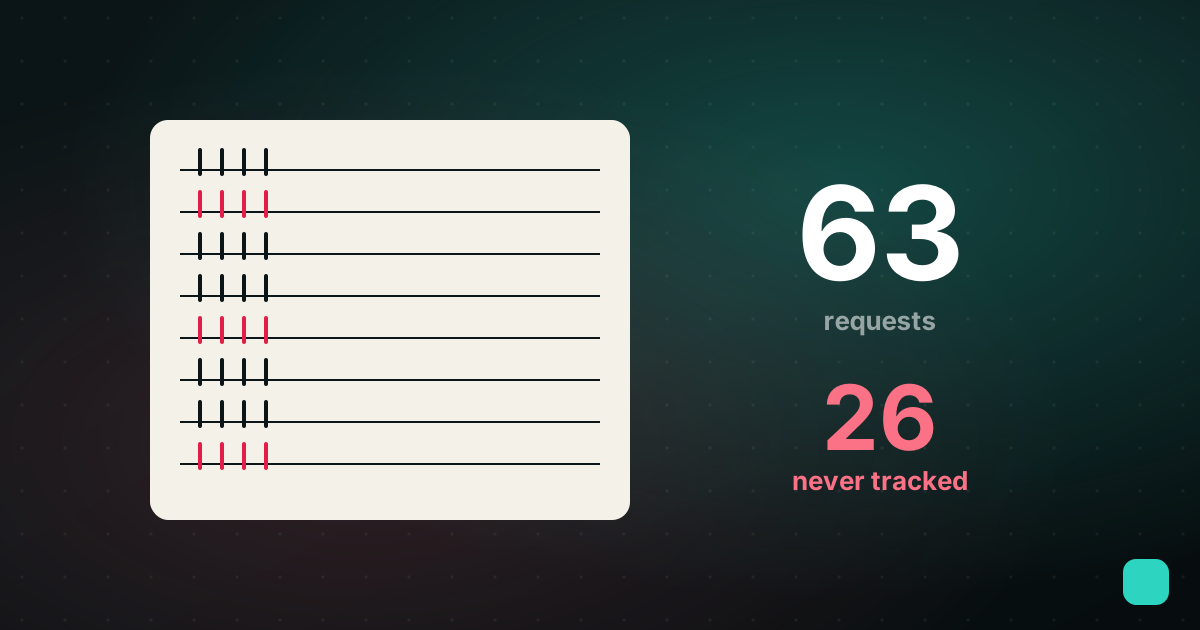
The Interruption Ledger: 63 Requests, 26 Untracked
For two weeks I logged every request that arrived outside a task list. Twenty-six of 48 never became a task, and the ones that vanished were the small ones.